
Start with a photo.
Use photo appraisal tools to help identify a find and explore its resale potential.
YOUR RESELLING WORKFLOW, BROUGHT TOGETHER
From a quick photo to a clearer selling decision. Research your finds, set prices, track inventory and estimated profit, and spot what to sell next—with box tags to keep it all organized.
Explore a 7-day trial · 5 photo searches a day
LESS SECOND-GUESSING. MORE RESELLING.
You already have an eye for opportunity.
Give it a little intelligence to work with.
Use photo appraisal tools to help identify a find and explore its resale potential.
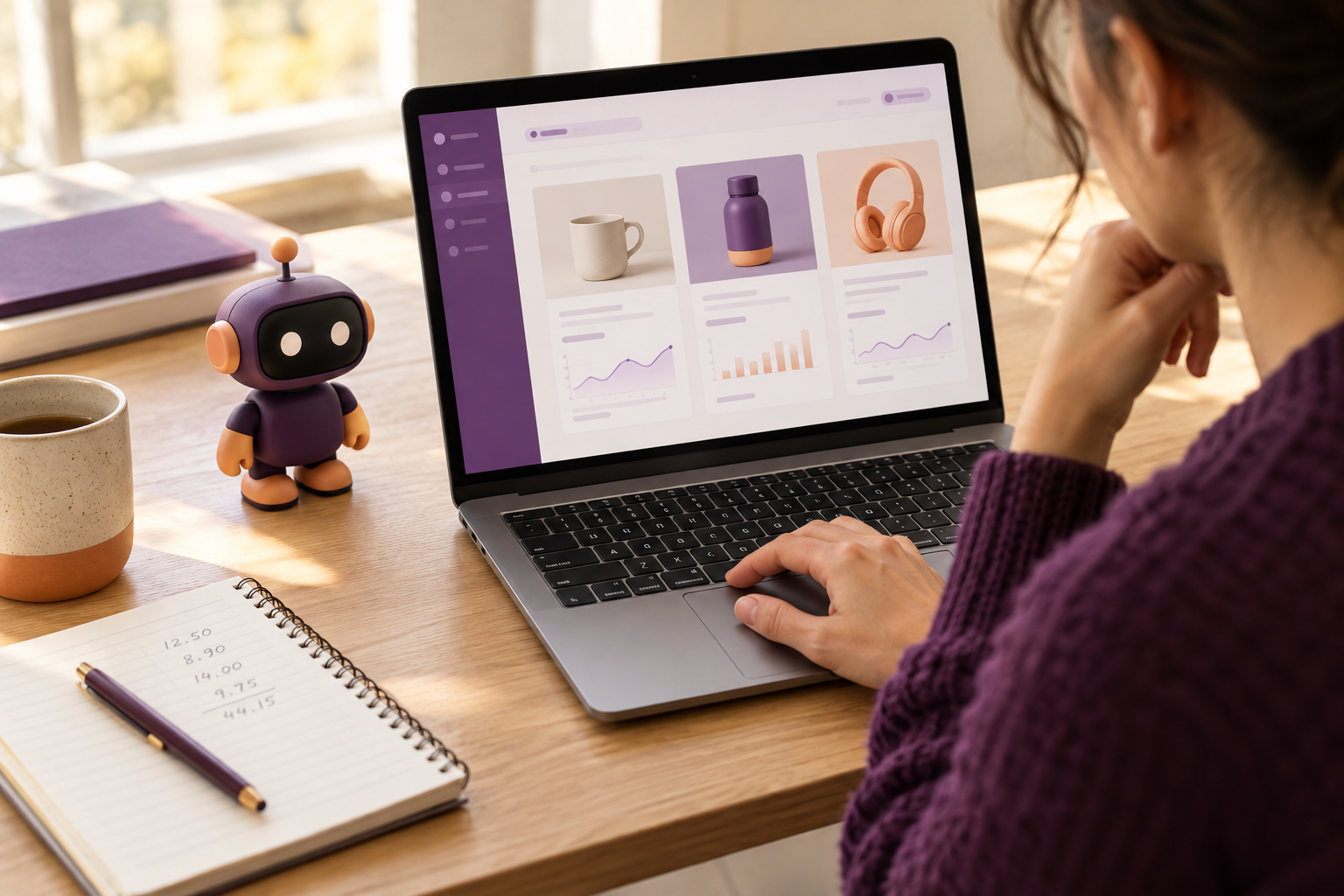
Review the appraisal and pricing research, then choose a price using your own judgment.
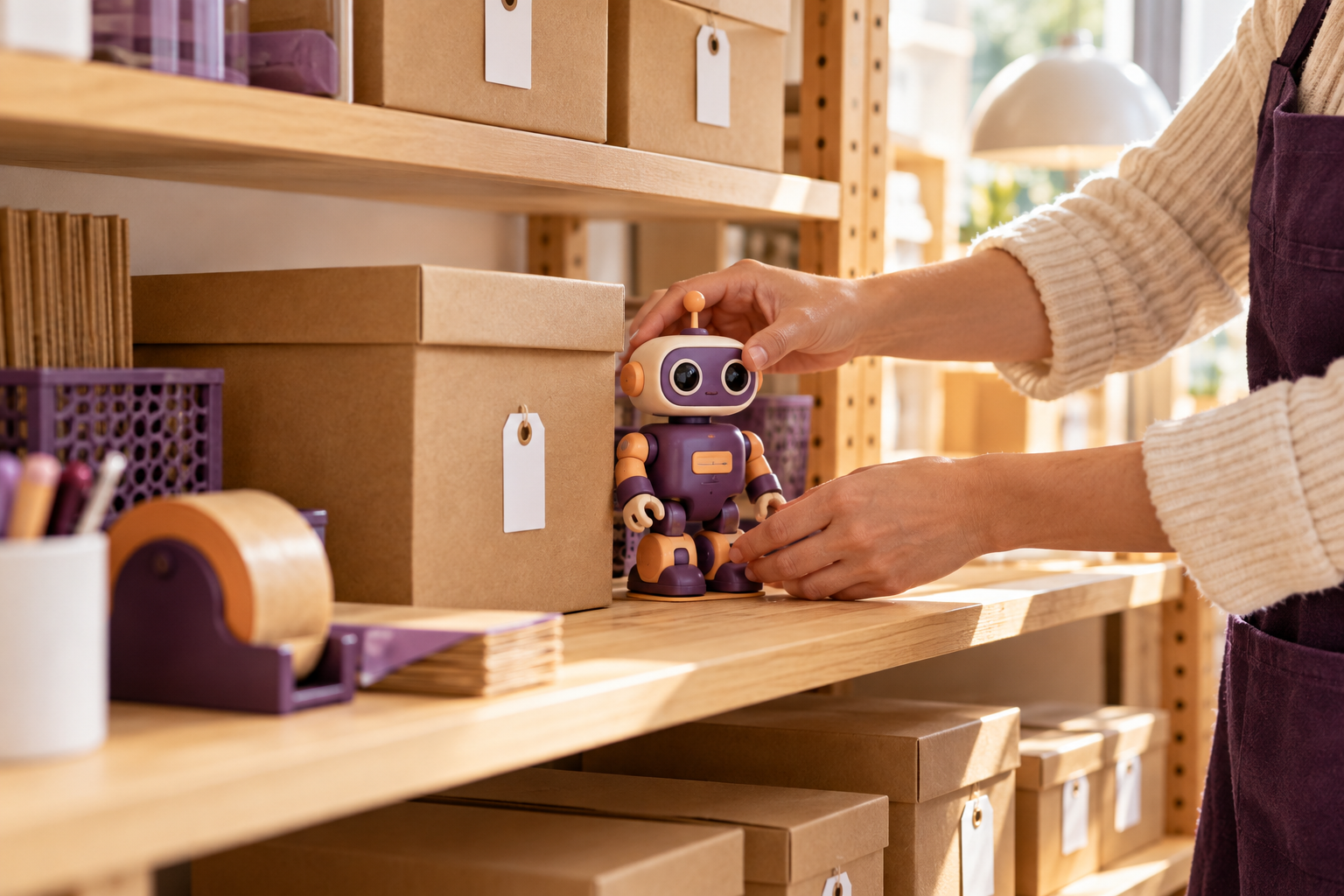
Save the details, assign a box, and create tags that connect your finds to their storage. Track them through to sale.
FROM THE PILE TO THE RIGHT BOX
No more opening every box to find one item.
Connect the physical box to its inventory.

Give each box a number or name. Add selected inventory items, or move them from another box.
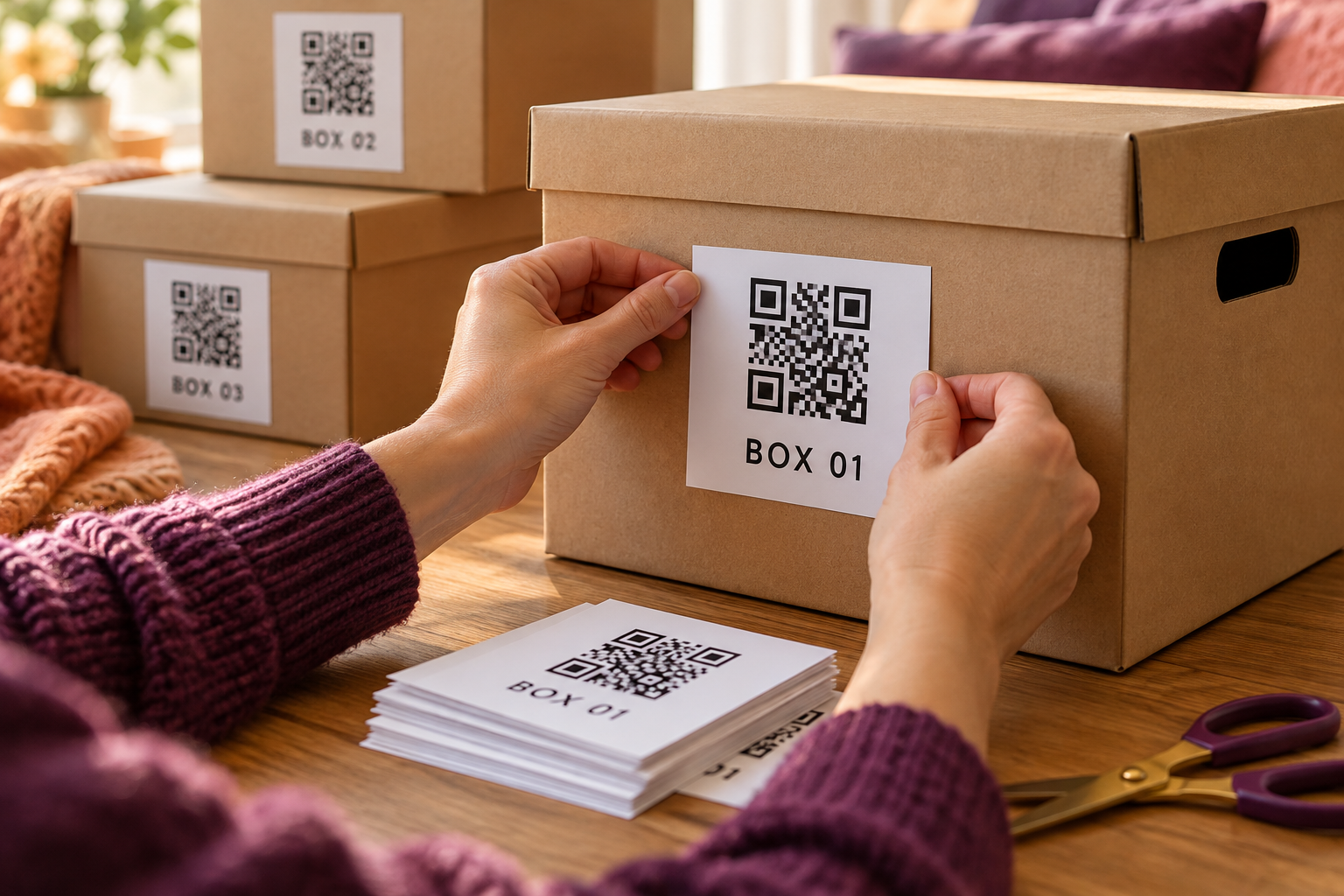
Attach a 92 × 92 mm box label so your storage has a clear, scannable identity. Printing requires paid access.
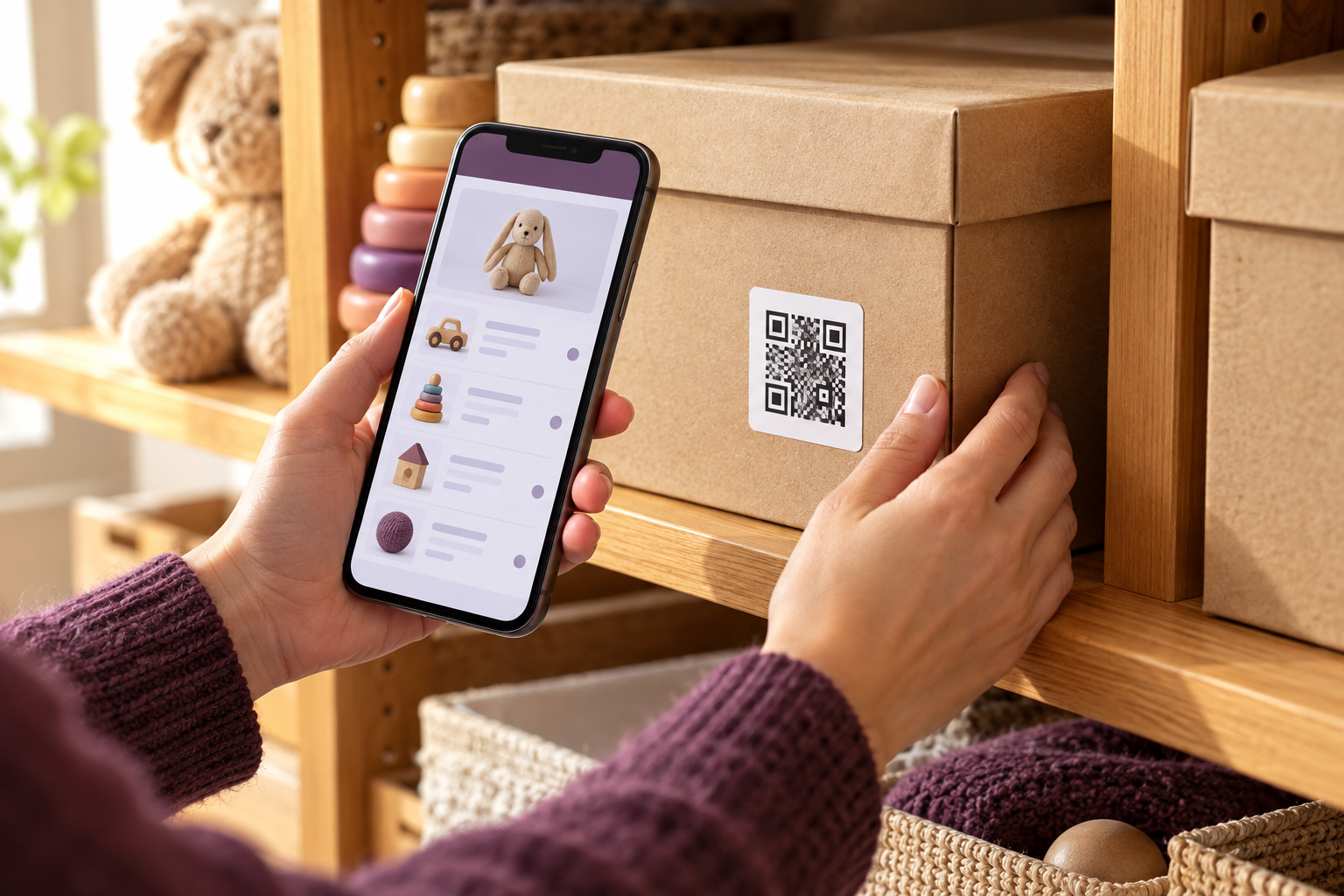
Scan a box QR tag in the app to open its inventory. See item details and prices, and keep locations up to date.
THE WHOLE RESELLING WORKFLOW
Research, organize, label, and track.
Tools for the work between the finds.
ILLUSTRATIVE WORKFLOW PHOTOStart from an item photo to explore its identity, resale potential, and pricing research. Keep the photo with the inventory record.
 ILLUSTRATIVE WORKFLOW PHOTO
Revisit an item with fresh photo-based research across marketplaces, sold records, and specialist sites. Review the supporting sources before you decide.
 ILLUSTRATIVE WORKFLOW PHOTO
Review booth-price and quick-sale recommendations, edit your own item price, and use the app’s .99 price rounding. Estimates help guide your judgment.
 ILLUSTRATIVE WORKFLOW PHOTO
Add scanned finds or manual entries. Edit names and prices, search by item name or number, choose your starting number, and export inventory to CSV.
ILLUSTRATIVE WORKFLOW PHOTOCreate named or numbered boxes, move multiple items together, print a box tag, and scan it to open the contents. Box locations stay visible with your inventory.
 ILLUSTRATIVE WORKFLOW PHOTO
Record item cost and value to see estimated gross profit per item and across inventory. These estimates are before fees and other expenses.
 ILLUSTRATIVE WORKFLOW PHOTO
Mark items out for sale and move sold items into a dedicated view. Keep their previous box location with the sold record.
 ILLUSTRATIVE WORKFLOW PHOTO
Research which inventory items may be timely to sell, using demand, seasonality, and market evidence. Review suggested actions without automatically changing your prices.
 ILLUSTRATIVE WORKFLOW PHOTO
Add your business logo and vendor ID, set label dimensions and orientation, and include a hanging-tag hole guide. Item numbers, descriptions, and prices stay together.
 ILLUSTRATIVE WORKFLOW PHOTO
Print on Letter or A4 paper, or choose a supported Avery layout. Keep your item labels consistent and ready for your booth.
 ILLUSTRATIVE WORKFLOW PHOTO
Track already-printed items and return them for reprinting. Deleted Items lets you restore saved records when you need them back.
 ILLUSTRATIVE WORKFLOW PHOTO
Give a helper scan-only access by code or QR without sharing your password. Set photo-count, automatic scanning, and appearance preferences to suit your workflow.
Feature availability depends on your access and setup. Labels and printing are not included in the trial. App account access will be connected to this website later.
Explore ResalerIQ ↗YOUR NEXT GOOD FIND STARTS HERE
Get a feel for ResalerIQ with a seven-day trial, including five photo searches per day.
Trial requests are reviewed before activation. This form doesn’t create an account or start your trial. Label making is not included.
A FEW THINGS TO KNOW
The trial lasts seven days and includes five photo searches per day per business. Label making is disabled during the trial. Submitting this form requests access; it does not start the trial.
Not yet. Account access on this website is being prepared. Continue using your existing app access for now; this page does not collect passwords.
No. Appraisals and pricing research are starting points. Condition, authenticity, location, and buyer demand can affect value. Review the information and use your judgment before buying or pricing an item.
Paid-plan details will be published here when they’re ready. The trial-request form does not take payment or enroll you in a paid subscription.
Your name, email, and optional business name are stored so the ResalerIQ team can review and respond to your request. This page does not send them to the app or create a customer account. Please don’t submit passwords or payment information.
THE NEXT GREAT FIND IS OUT THERE.
Make it count. ↗